

Introduction
The Apple Watch transforms more than just timekeeping with its heartbeat sharing feature, a method to extend personal reach through technology. This function isn’t only about health monitoring. It’s about creating connections, sharing emotions, and expressing support when physical presence isn’t possible. In this guide, we’ll show you how to send your heartbeat, examine how this feature strengthens relationships, and explore privacy implications.
Understanding Heartbeat Technology on Apple Watch
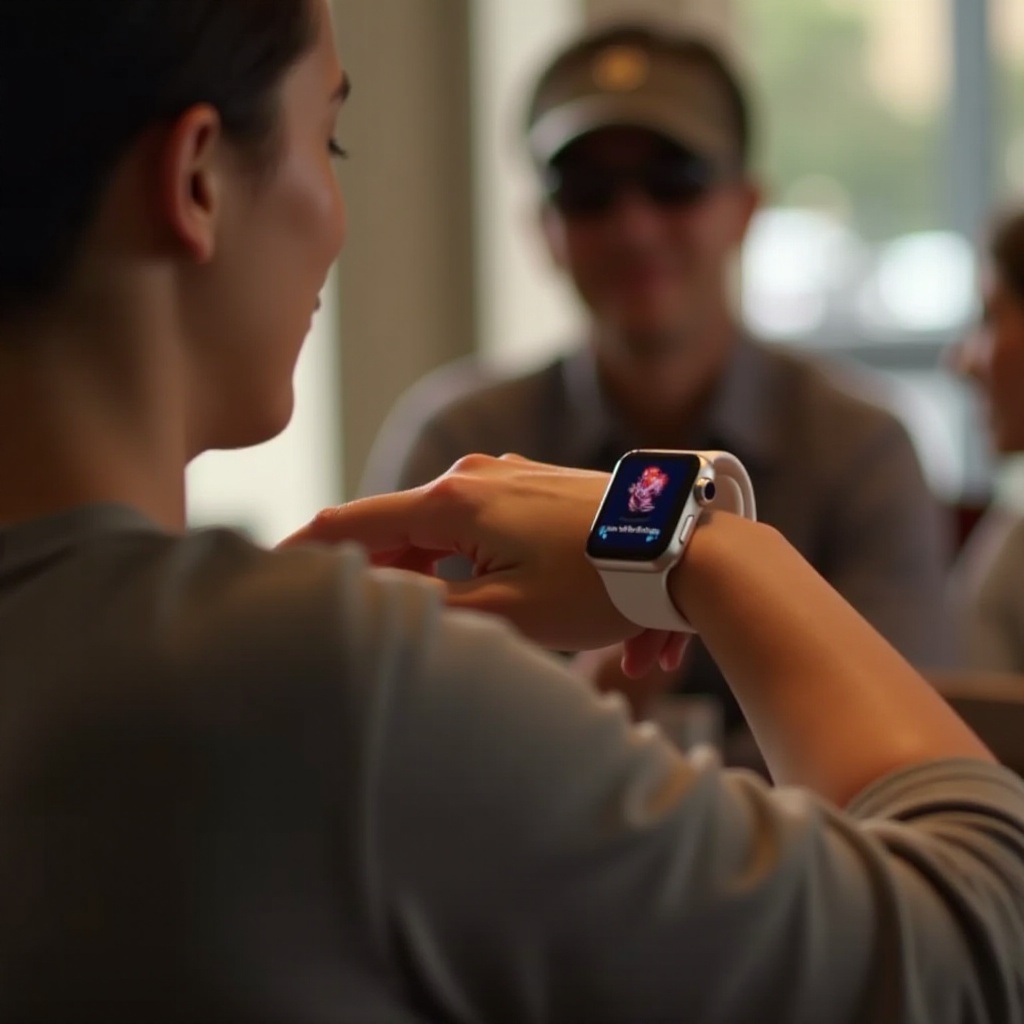
The Apple Watch uses advanced sensors to track and share heartbeats, making this process easy yet powerful. By enabling digital heartbeat exchange, Apple has integrated a personal touch into its devices, letting users communicate in heartfelt ways.
Advanced sensors utilize photoplethysmography, checking blood flow with light. This forms the basis for accurate heart rate measurements that can be shared. Embracing this technology opens new paths for connection, positioning the Apple Watch beyond traditional fitness uses.
How Does Apple Watch Track Heartbeat?
Apple Watch’s impressive capabilities come from photoplethysmography sensors, employing light reflections to gauge heartbeats. These precise metrics allow intimate data exchange, adding emotion to digital interaction.
The Importance of Heartbeat Sharing
Sharing a heartbeat enhances communication, allowing users to transcend standard texts. Use this technology for emotional expression and deepen bonds via an innovative digital touch.
Step-by-Step Guide to Sending Your Heartbeat
Clearly understanding the steps to send your heartbeat not only ensures functionality but enhances how the Apple Watch fits into your emotional and practical life.
- Ensure Bluetooth connection between Apple Watch and iPhone.
- Access the Apple Watch app; verify ‘Heart Rate’ is active.
- Open Messages; choose or start a conversation.
- Click on Digital Touch; touch screen to feel and send heartbeat.
- If issues occur, restart devices and check compatibility.
Transitioning from technology’s potential to its everyday use, explore these steps to a smoother integration of this unique capability in relationships.
Setting Up Your Apple Watch
Proper setup prepares your device for effective sharing, maximizing its functionality. Pair your Apple Watch with your iPhone, ensuring seamless data transfer.
Sending Your Heartbeat: Instructions
Open the Messages app, choose your recipient, and use Digital Touch to communicate thoroughly by sending your heartbeat with precision and ease.
Troubleshooting Common Issues
To ensure flawless operation, restart devices, verify settings, and confirm the recipient’s compatibility to enjoy uninterrupted heartbeat sharing.
Emotional and Practical Benefits of Heartbeat Sharing
Beyond tech specs, explore how sharing heartbeats impacts emotional and practical experiences, enriching connections and health practices.
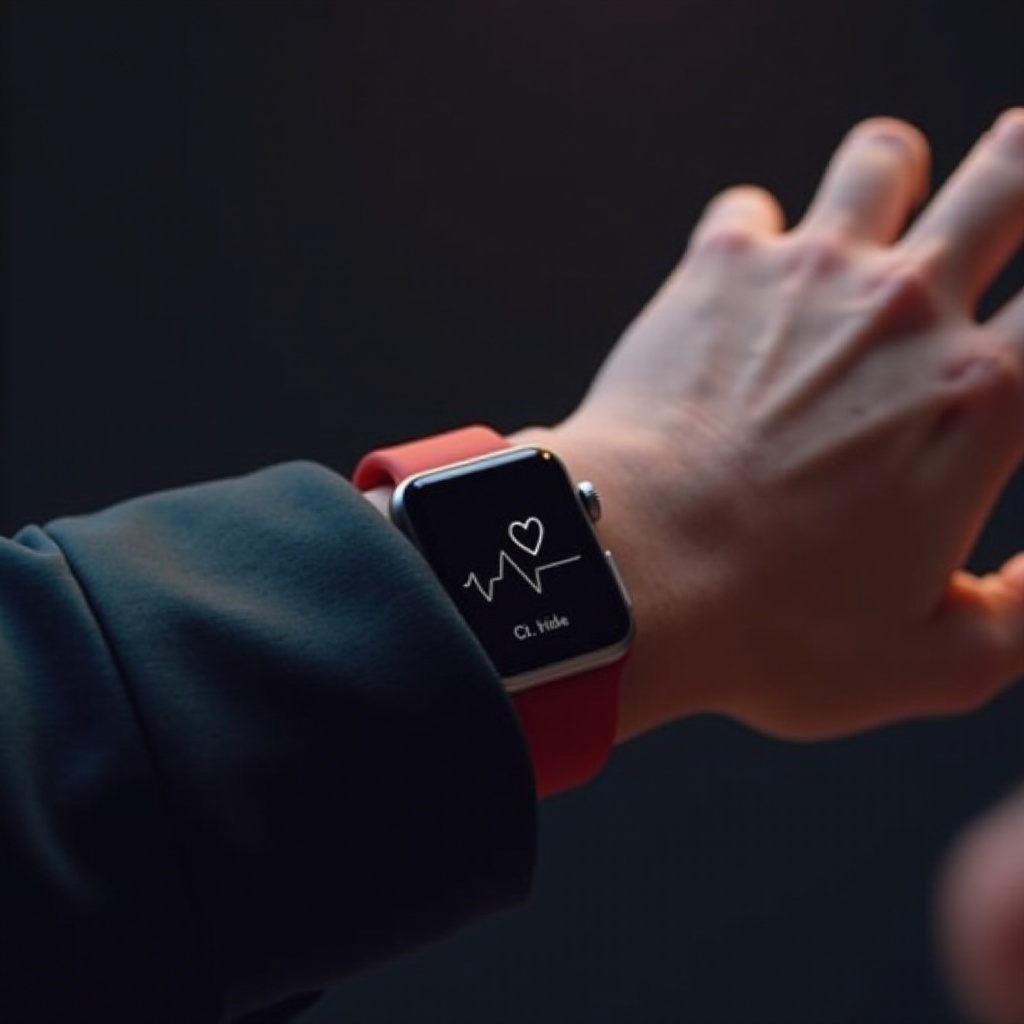
Sending your heartbeat isn’t merely a feature; it crafts moments of closeness unachievable through words or images alone.
Emotional Connectedness through Technology
Heartbeat sharing acts as a bridge, emphasizing presence despite physical distance. This digital bridge empowers heartfelt communication, nurturing bonds.
Practical Applications in Fitness and Health
This feature supports fitness motivations and health tracking. Sharing heart rates encourages accountability, serving fitness enthusiasts and caregiving explorers alike.
Privacy and Security of Heartbeat Sharing
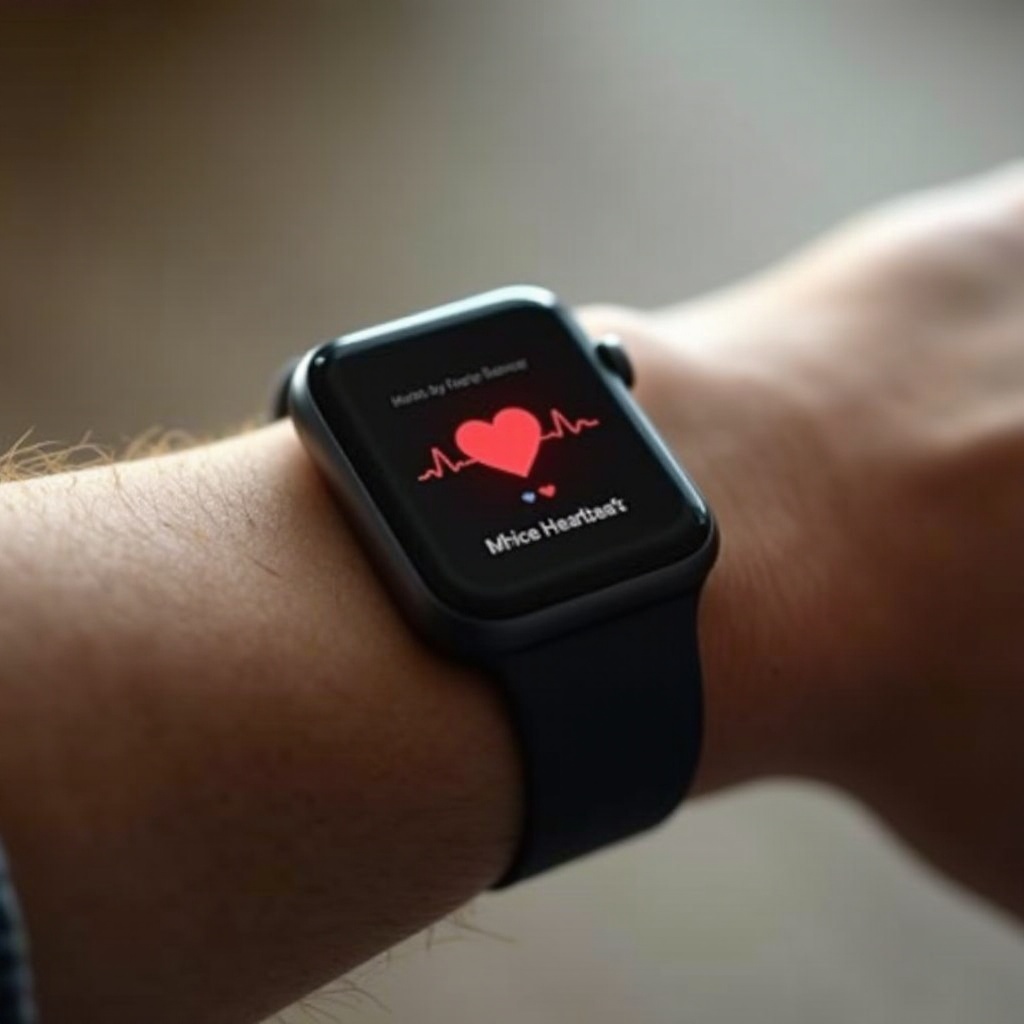
Ensure that your use of Apple Watch’s heartbeat sharing respects privacy. Apple secures your data, supporting your peace of mind.
Using encryption, sharing remains private, guaranteeing that your intimate connections are secure. With software updates, Apple Watch maintains secure operations. Adjust devices regularly for peak privacy.
Protecting Your Health Data
Apple’s security prioritizes user confidence, applying strong encryption to transfer data safely and privately.
Apple’s Privacy Measures and Updates
Updates strengthen protection, maintaining Apple’s reputation for safely handling user data. Regularly refresh devices to guarantee peak security.
Conclusion
Engaging with Apple Watch’s heartbeat sharing not only modernizes how we communicate emotions but invites deeper connections through technology. Equipped with this guide, you can explore and integrate this feature into your life confidently, enhancing relationships both near and far.
Frequently Asked Questions
Can I send my heartbeat to non-Apple devices?
No, heartbeat sharing requires Apple devices on both ends for compatibility.
Is Heartbeat data stored on Apple servers?
No, this data is direct and encrypted, not stored on Apple servers.
How accurate is the heartbeat reading on Apple Watch?
Apple Watch is highly accurate, using advanced sensors for precise heartbeat tracking.