

Introduction
HDMI ports are vital for connecting various devices to your television, enabling high-definition viewing experiences. Unfortunately, Insignia TV owners often encounter the frustrating situation where HDMI ports stop working. This comprehensive guide aims to uncover the root causes of these problems and provides practical solutions that you can implement to restore your TV’s functionality. Additionally, we’ll explore preventive maintenance tips to help safeguard against future HDMI port issues.
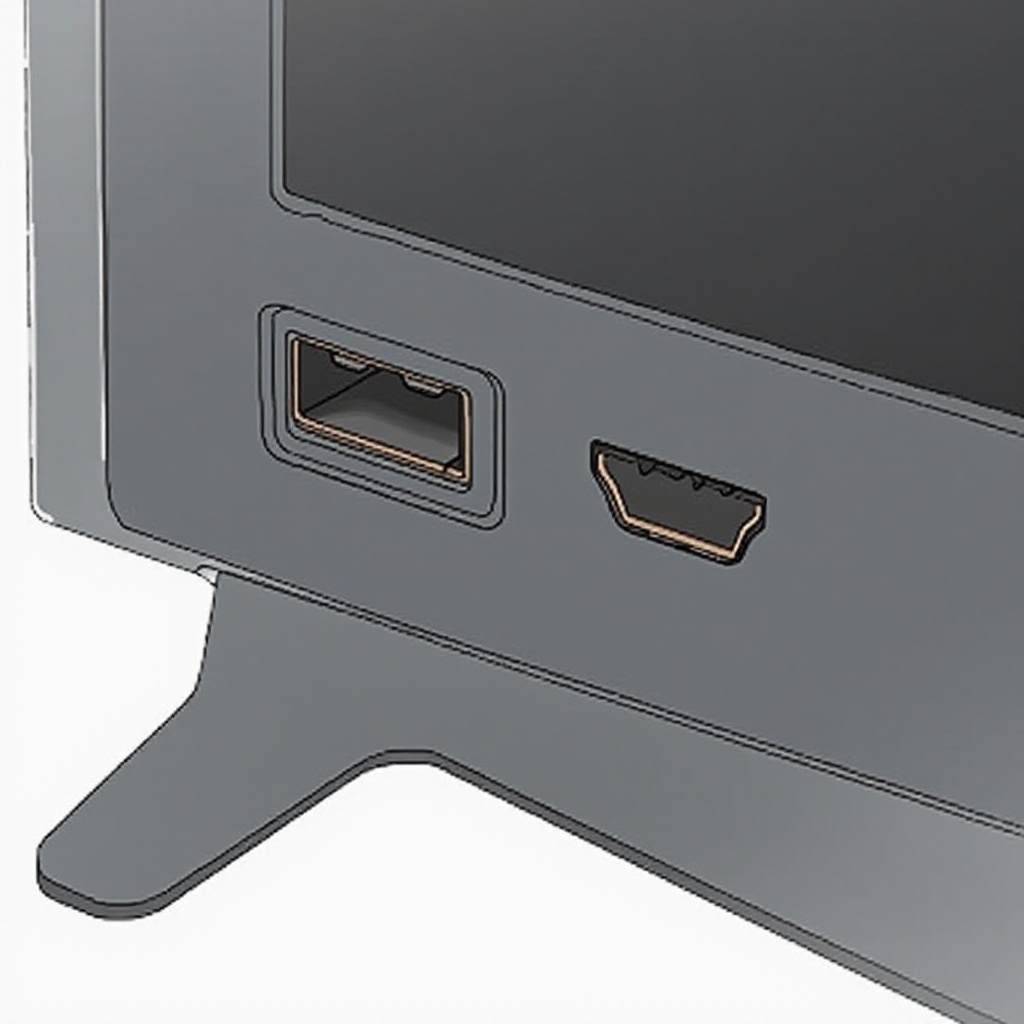
Common Causes of HDMI Port Failures on Insignia TVs
Understanding why HDMI ports fail is essential for finding effective solutions. Various factors contribute to these failures, such as:
-
Physical Damage to HDMI Ports: Consistent plugging and unplugging, while normal, can degrade the physical integrity of HDMI connectors, causing bent pins or internal failures.
-
Software and Firmware Misconfigurations: Sometimes, the issue lies within the TV’s software or firmware. Outdated firmware versions might lead to compatibility issues and HDMI malfunctions.
-
HDMI Cable Quality and Compatibility Issues: Poor-quality cables may not transmit signals correctly, and some may not be compatible with specific resolutions and refresh rates.
By identifying these common causes, we can move on to immediate solutions that address these specific issues.
Basic Troubleshooting Steps for Insignia TV HDMI Ports
Begin addressing HDMI port problems with straightforward troubleshooting techniques:
-
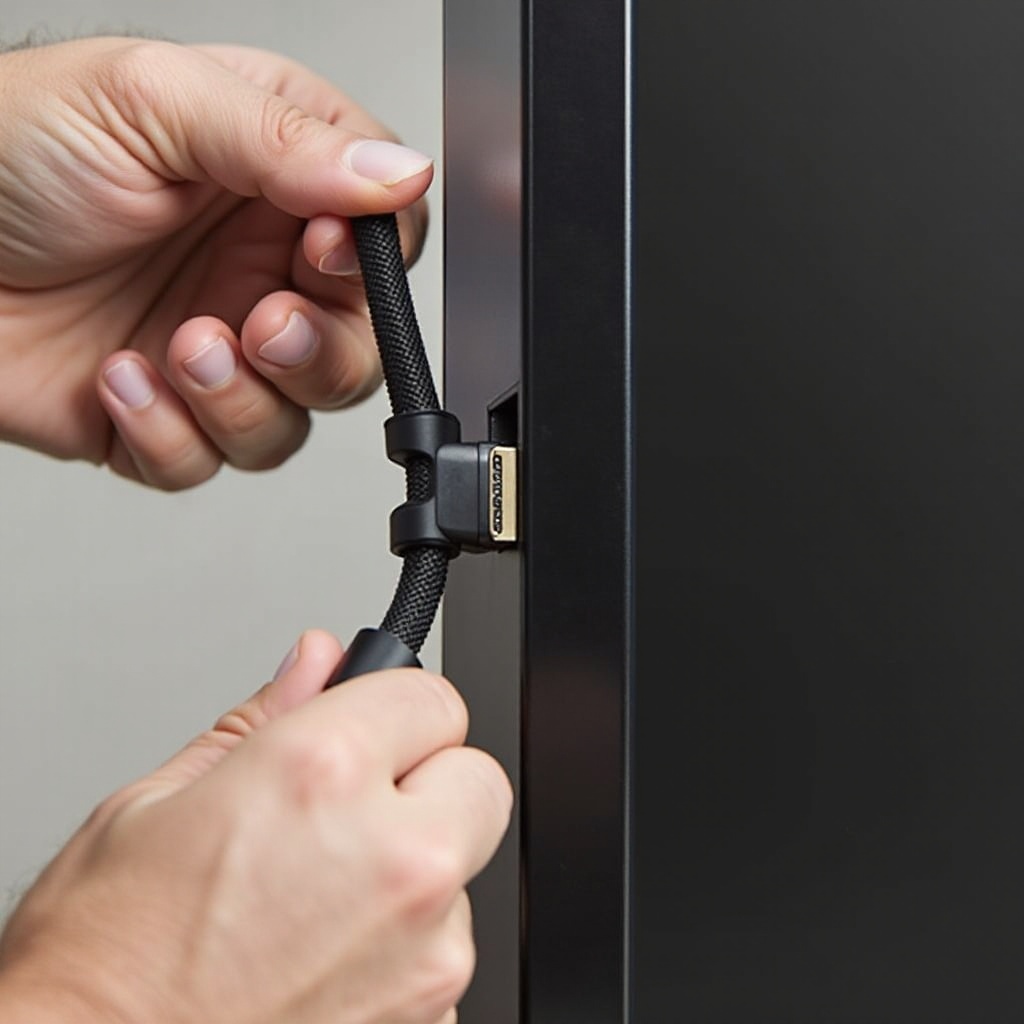
Inspect and Test Cables: Examine cables for visible damage, like frayed edges or bent pins. Substitute the current cable with another that functions correctly.
-
Restart Your Insignia TV: Power off your TV, unplug it, then wait for a couple of minutes before reconnecting and switching it back on.
-
Check for Loose Connections: Ensure all HDMI cables are firmly connected to both the TV and their respective devices, as loose connections could cause signal interruptions.
After these basic checks, if the HDMI ports remain nonfunctional, proceed with more in-depth troubleshooting methods.
Advanced Solutions for HDMI Port Problems
If the basic steps don’t resolve the problem, consider these advanced solutions:
-
Update Insignia TV Firmware: Routinely updating your TV’s firmware can solve several compatibility and performance issues. Visit Insignia’s official website to download the latest firmware.
-
Use HDMI Switches and Adapters: HDMI switches can manage multiple connections effectively, while adapters can bridge compatibility across varying HDMI versions.
-
Conduct a Factory Reset: As a last resort, initiate a factory reset on your TV, which reverts settings to default and can eliminate configuration errors causing HDMI failures.
Following these advanced methods, turn your attention to preventing future problems by adequately maintaining your TV.
Maintaining Your Insignia TV’s HDMI Ports
Regular maintenance plays a crucial role in preventing HDMI port problems. Here’s how you can maintain your TV effectively:
-
Regular Inspection and Cleaning: Routinely check HDMI ports for dust and debris. Using compressed air can help keep ports clean without causing damage.
-
Best Practices for Device Connection: Handle cables gently to avoid damaging connectors and label both ports and cables to minimize connection errors.
-
Proactive Measures to Prevent Future Issues: Choose high-quality HDMI cables and accessories. Timely firmware updates ensure your TV stays compatible with evolving technologies.
Adopting these maintenance practices will help prolong the functionality of your Insignia TV’s HDMI ports.
Conclusion
HDMI port issues on Insignia TVs can be annoying yet manageable with the right approach. Recognizing the common causes and following effective troubleshooting steps can restore functionality. Regular maintenance and updates are crucial for preventing recurring problems. Ensure handling cables and devices with care to sustain optimal performance from your Insignia TV.
Frequently Asked Questions
Why is my Insignia TV HDMI port not showing video?
This could be due to a loose connection, an incompatible HDMI cable, or software issues. Check the cable connections and try using a different HDMI cable.
Can a damaged HDMI port be repaired on Insignia TVs?
Yes, but it might require professional servicing. If the port is physically damaged, consider contacting Insignia support or an electronics repair service.
How do I test if my HDMI cable is faulty?
Swap the HDMI cable with another that is known to work. You can also use a multimeter to check the cable’s continuity and conductivity.