

Introduction
A clean iPhone camera is essential for capturing sharp, high-quality photos. Dust, smudges, and grime on your lens can lead to blurry images and diminished clarity. Fortunately, cleaning your iPhone camera is straightforward and can be done safely at home with the right materials and methods. This guide will walk you through the necessary steps to ensure your camera stays pristine and your photos remain outstanding.
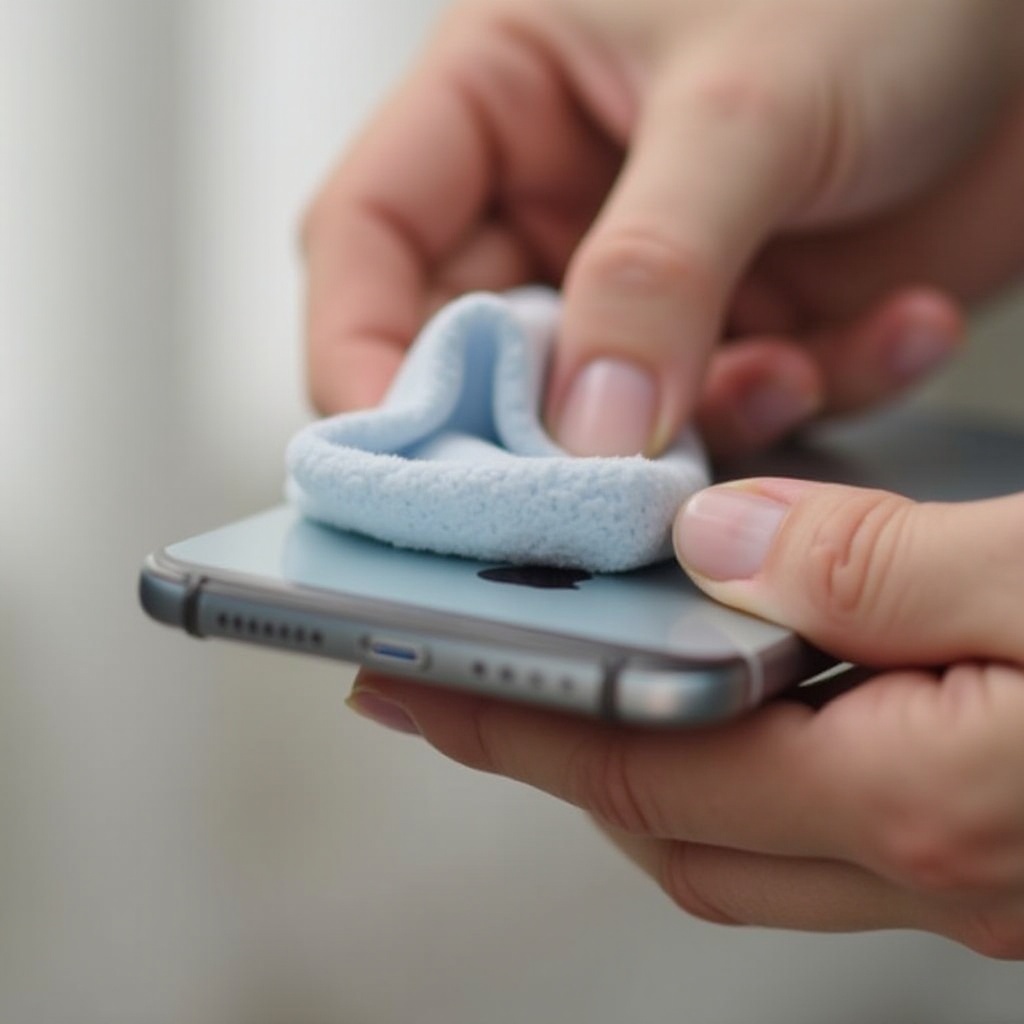
Why It’s Important to Keep Your iPhone Camera Clean
Keeping your iPhone camera lens clean can significantly enhance the overall quality of your photos. A lens free from dirt and fingerprints ensures sharpness and accurate color reproduction. Regular maintenance prevents long-term haze and keeps your pictures looking clear and vibrant. By dedicating a few minutes to proper cleaning, you can consistently capture the best possible images. Now, let’s explore the essential tools required for effective cleaning.
Essential Tools for Cleaning Your iPhone Camera
Before beginning the cleaning process, gather the following tools to ensure a thorough and safe cleanse:
- Microfiber cloth: Ideal for wiping without scratching surfaces.
- Lens cleaning solution: Specifically formulated to clean lenses without leaving residues.
- Compressed air: Helps in removing dust particles from hard-to-reach areas.
- Cotton swabs: Useful for cleaning around edges and crevices.
These supplies can be found at most electronics stores or online. With the right tools in hand, follow the step-by-step guide to effectively clean your iPhone camera.
Step-by-Step Guide to Cleaning Your iPhone Camera
To achieve the best results, follow these detailed steps:
- Preparation and Safety Precautions:
- Turn off your iPhone to avoid accidental touches or damage.
-
Remove any cases or accessories blocking the camera.
-
Cleaning the Camera Lens:
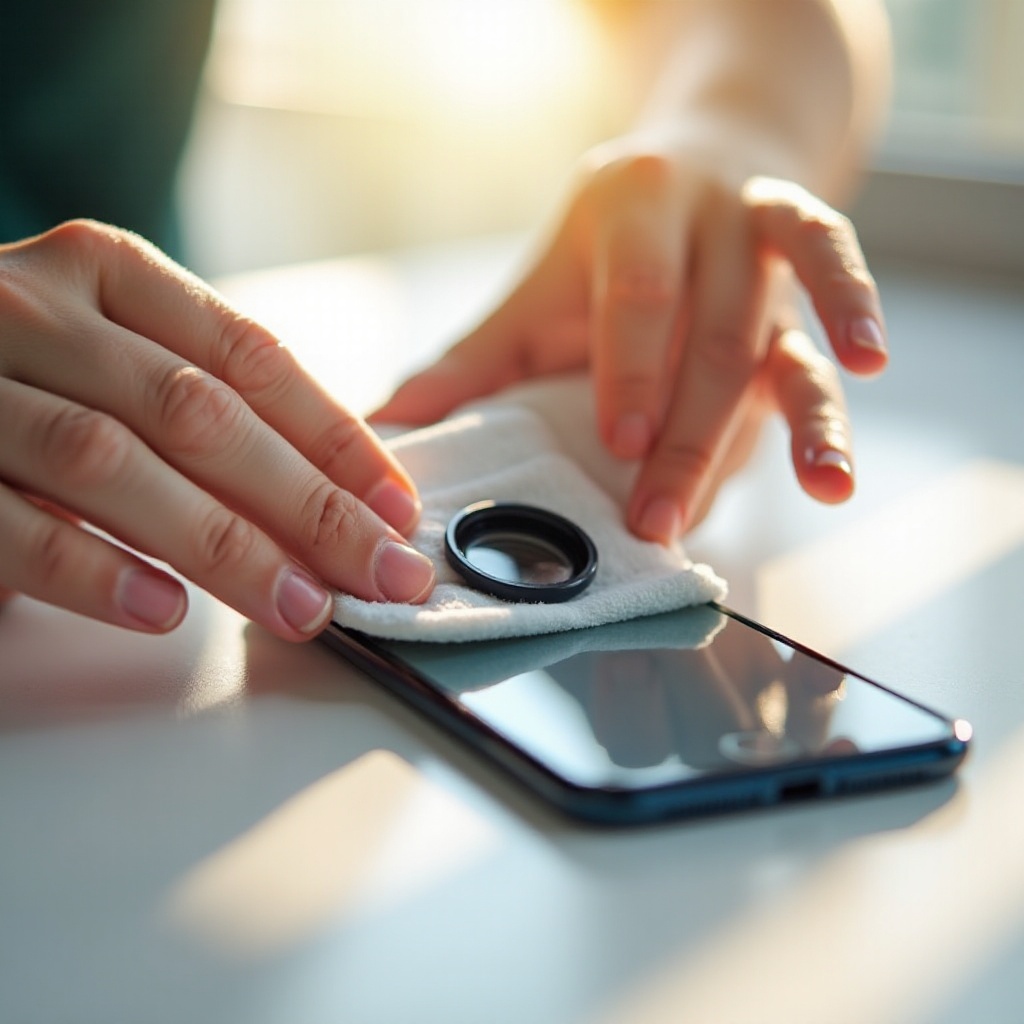
- Apply a small amount of lens cleaning solution to the microfiber cloth, never directly to the lens.
-
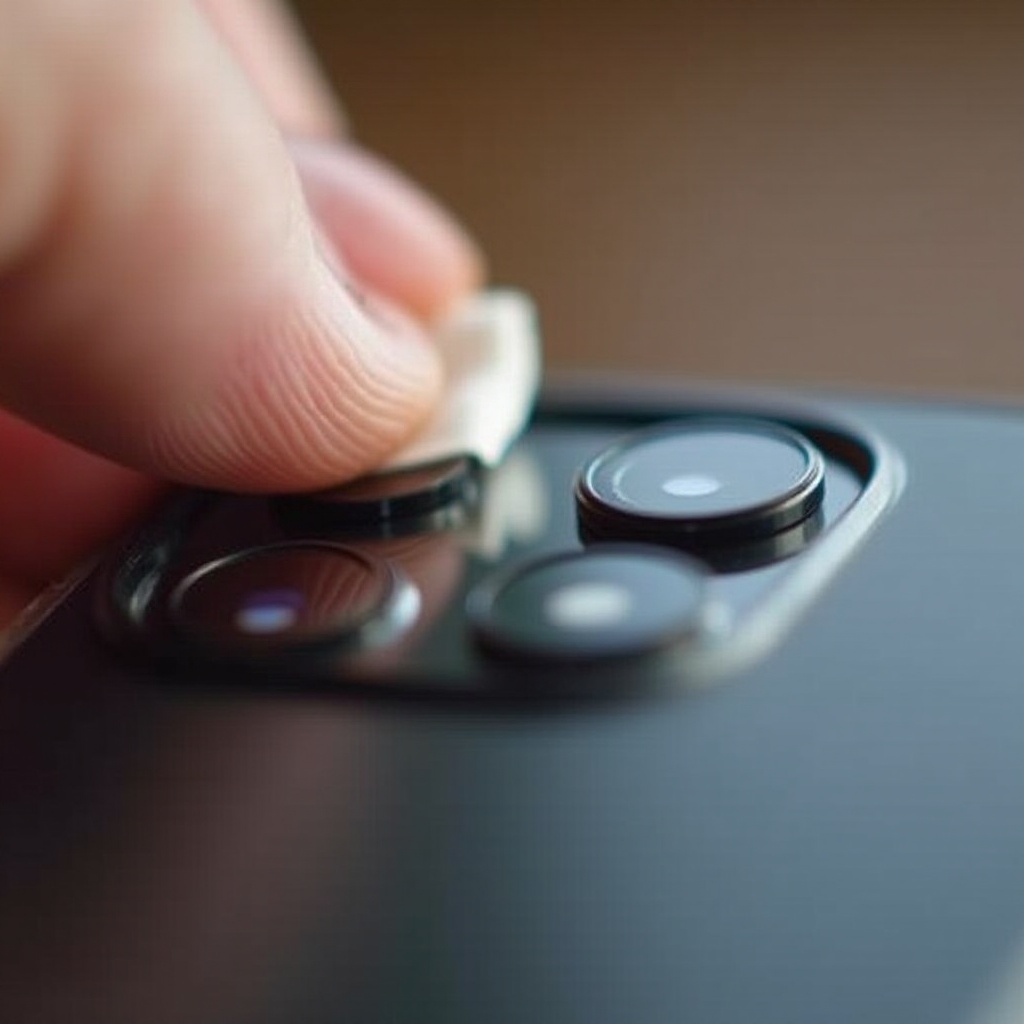
Gently wipe the lens in a circular motion to clear smudges and fingerprints.
-
Techniques for the Protective Glass:
- Use a dry microfiber cloth to remove initial dust layers.
- For stubborn marks, slightly dampen a cotton swab with lens solution and clean around the lens edges.
Following these steps ensures a spotless camera lens, but prevention plays a crucial role in keeping it clean long-term.
Common Mistakes to Avoid When Cleaning
Avoid these common pitfalls to protect your iPhone camera:
- Using Paper Towels or Tissues: These can scratch the lens and leave lint.
- Applying Excessive Pressure: Gentle pressure is sufficient; too much can damage components.
- Spraying Liquid Directly onto the Camera: Always apply solution to a cloth instead of the camera.
Avoiding these errors helps in maintaining your camera’s condition. For lasting cleanliness, integrate regular maintenance into your routine.
Tips for Maintaining Your iPhone Camera
Here are some tips to keep your camera clean and ready for use:
- Use a Phone Case with a Camera Cover: Protects from dust and fingerprints.
- Avoid Touching the Lens: Hold your phone by its edges.
- Regular Cleaning Routine: Schedule a bi-weekly clean to prevent buildup.
While regular cleaning and maintenance are effective, troubleshooting certain issues may also be necessary if problems persist.
Troubleshooting Camera Issues
If your photo quality doesn’t improve, consider these troubleshooting steps:
- Check for Software Updates: Ensure iOS is current to resolve camera-related bugs.
- Test in Different Lighting Conditions: Determine if the issue persists.
- Seek Professional Help: Consult an Apple technician for hardware issues.
With consistent maintenance and these troubleshooting steps, your iPhone camera will consistently perform at its best.
Conclusion
A clean iPhone camera lens is fundamental to achieving optimal photo quality. Using the right cleaning techniques and tools, you can ensure that your lens remains free from dirt and grime. By adhering to a regular cleaning routine and recognizing common mistakes, you can maintain the excellent condition of your camera for years to come.
Frequently Asked Questions
How often should I clean my iPhone camera?
Aim to clean your iPhone camera every two weeks or whenever you notice smudges.
Can I use alcohol wipes to clean the iPhone camera?
Use a lens cleaning solution instead of alcohol wipes to avoid damage.
What should I do if cleaning doesn’t improve photo quality?
Check for software updates and test in various lighting conditions. If needed, consult an Apple technician.