

Introduction
Vertical lines on a TCL TV screen can be a distraction and disrupt your viewing pleasure. These lines could be a sign of underlying issues, either hardware-related or due to software problems. Prompt attention to these issues might save you from expensive repairs. This article will guide you through understanding, diagnosing, and fixing these vertical lines on your TCL television, ensuring your TV runs effectively and offers the best viewing experience.
Understanding Vertical Lines on TCL TVs
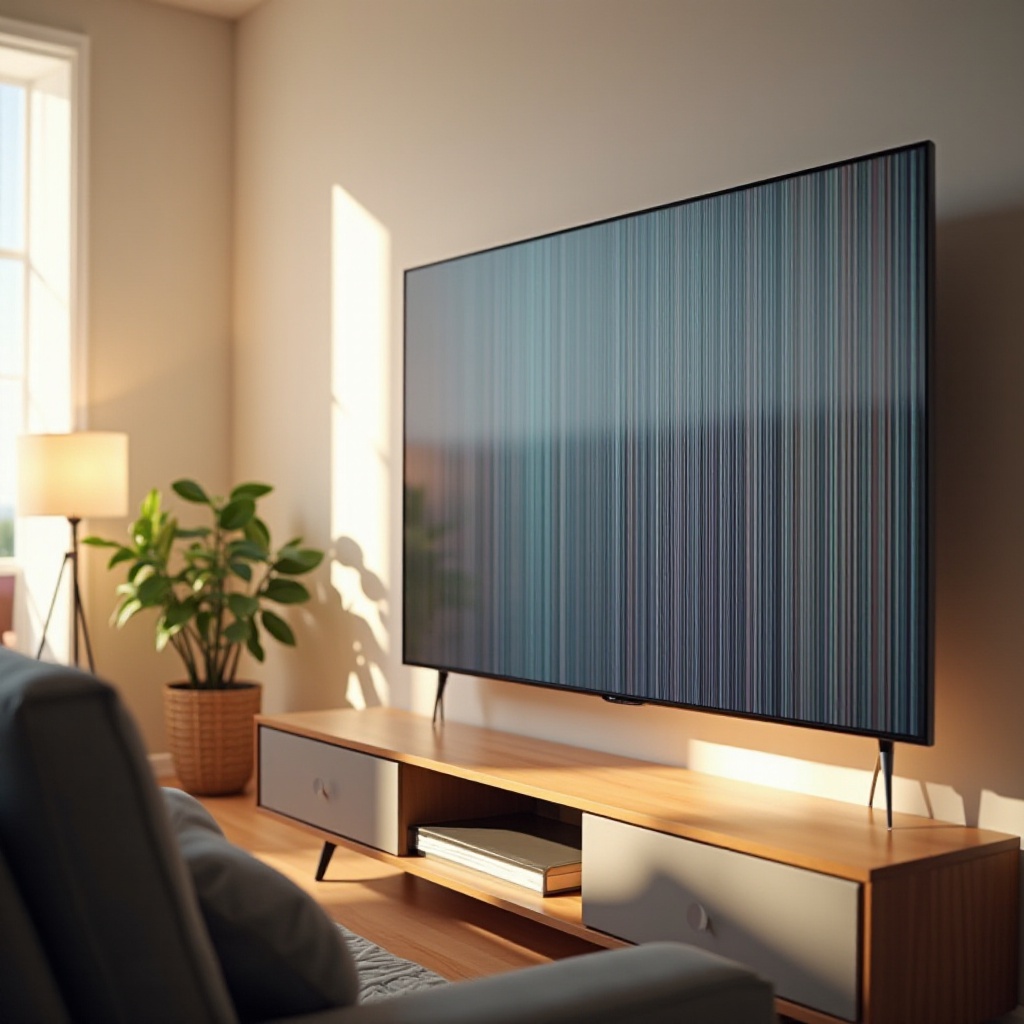
First, let’s dive into why vertical lines appear on TCL TVs. These lines often stem from loose connections, defective display panels, or software glitches. Identifying the cause is crucial to apply the correct fix. A well-run diagnostic, focusing on software issues and hardware malfunctions, will paint a clearer picture of the issues at hand.
Diagnosing the Problem
To begin with diagnosis:
– Check for loose or disconnected cables since they are common culprits.
– Observe if the lines appear on all input sources or just specific ones. This can indicate whether the issue is with the TV or an external device.
– Inspect for any visible damage on the screen itself.
These steps can help narrow down whether the issue is software-related or might stem from hardware problems. If the lines disappear when changing inputs, you might have a connection issue.
Basic Troubleshooting Steps
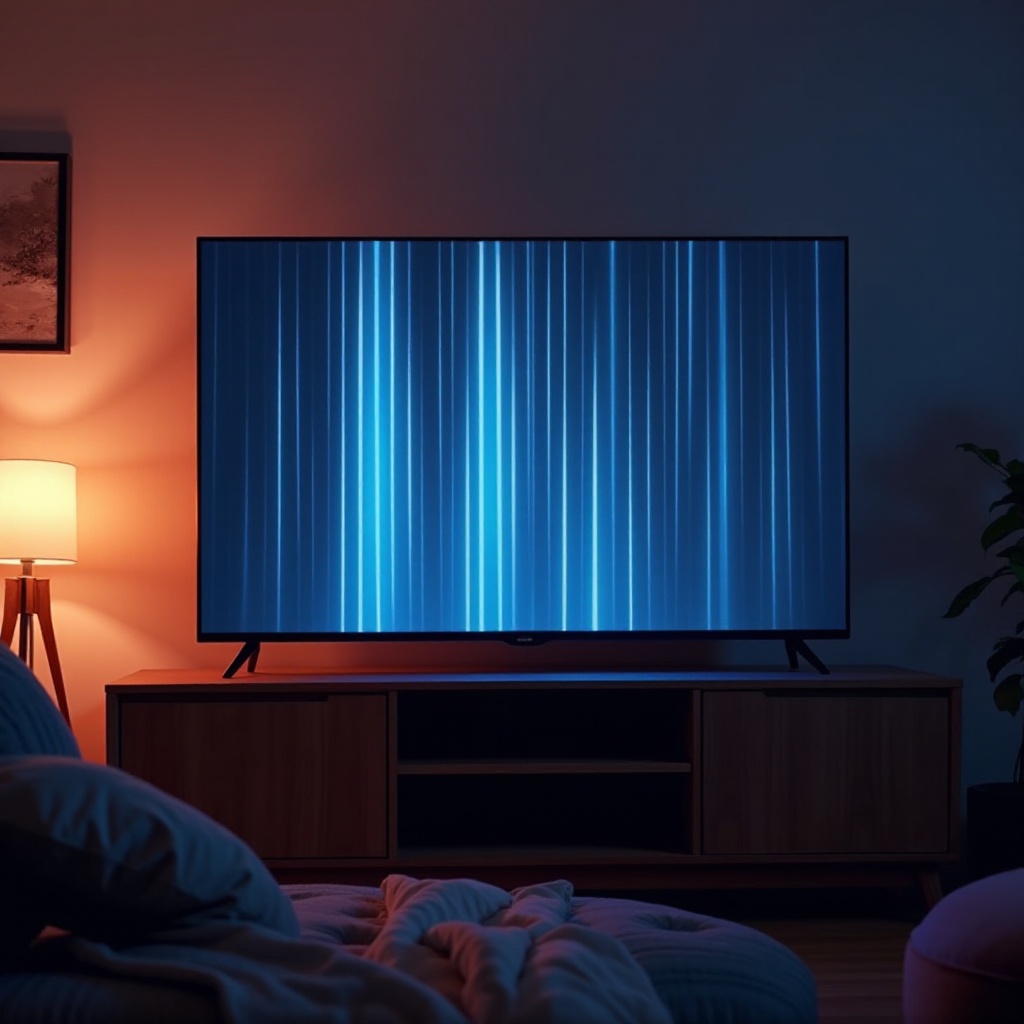
After running your initial diagnostics, employ the following basic troubleshooting steps:
1. Restart your TCL TV to eliminate temporary glitches.
2. Verify that all cables are securely connected. If any cables appear frayed or damaged, consider replacing them.
3. Adjust the picture settings on your TV. Incorrect settings can occasionally cause display issues.
These efforts can often remedy minor display problems. However, if the vertical lines remain, further investigation into software or more complex hardware issues may be necessary.
Software Solutions
If basic steps don’t fix the problem, a software issue may be to blame. The following solutions can address software-induced problems:
1. Update the TV’s software: Access the TV settings menu to check for updates and install them if available. Software updates can often resolve issues caused by bugs or outdated code.
2. Factory reset: If updating doesn’t help, perform a factory reset from the settings menu. This will erase all personal settings, so only use it as a last resort.
While software problems are easier to address, unresolved lines may point to more significant hardware concerns, necessitating further checks.
Hardware Inspection and Solutions
If software solutions don’t resolve the issue, it’s important to inspect the hardware:
– Examine the LCD panel for any physical damage, cracks, or other signs that it might be defective.
– Assessment of other potential hardware issues such as malfunctions in the T-con board or screen connectors may require more expertise.
Interacting with hardware components without technical knowledge can be risky. If no solution is found, moving forward with professional help is advisable.
When to Seek Professional Help
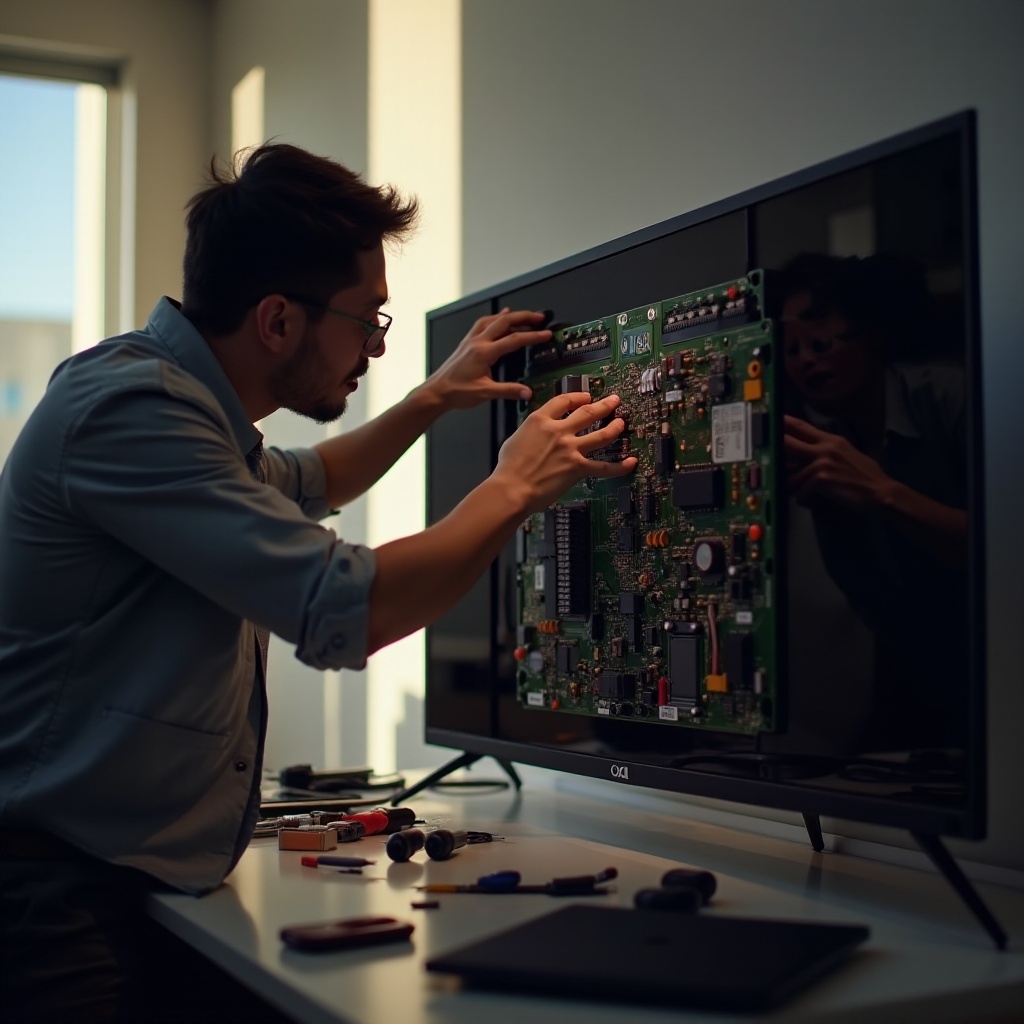
If all else fails, seeking professional assistance is essential:
– Continuous or worsening lines suggest serious hardware problems, which professionals are better equipped to handle.
– If the problem is challenging to diagnose accurately on your own, professional evaluation ensures a thorough assessment and reliable repair.
Authorized TCL repair centers can efficiently address intricate issues and help ensure long-lasting repairs. Knowing when to call in experts prevents further damage and guarantees the best results.
Preventive Measures and Maintenance
Ensuring longevity and performance of your TCL TV involves routine maintenance:
– Implement regular cleaning of your TV screen, avoiding harsh chemicals, to prevent dust and dirt accumulation that can impact performance.
– Keep the software updated regularly to minimize glitches and maintain optimal TV functions.
These preventive strategies can reduce the occurrence of vertical lines and prolong your TV’s life, ensuring you enjoy uninterrupted viewing in the future.
Conclusion
Understanding the causes and taking proper steps can successfully address the appearance of vertical lines on your TCL TV. Through routine maintenance and attention to software updates, you can prevent future issues. If initial efforts don’t yield results, don’t hesitate to seek professional repair services for staying a step ahead of any extensive damages. Attending promptly to your TV’s needs ensures it continues serving you efficiently for years to come.
Frequently Asked Questions
What causes vertical lines on a TCL TV screen?
Vertical lines can result from hardware issues, loose connections, or software glitches. Diagnosing the root cause is crucial for effective solutions.
Can I fix vertical lines on my TCL TV myself?
Yes, you can attempt basic troubleshooting steps like cable checks and software updates. However, complex issues might require professional help.
How much does it cost to repair vertical lines on a TCL TV?
Repair costs depend on the issue’s severity and whether professional repairs are needed. Minor fixes might be affordable, but significant hardware repairs could be costly.