

Introduction
When your iPhone fails to receive pictures from Android devices, it disrupts communication and becomes a significant inconvenience. Many users face this issue, and understanding the root cause is vital. This guide will explore potential reasons and offer comprehensive solutions to ensure uninterrupted media sharing between iOS and Android devices.
Understanding Messaging Compatibility
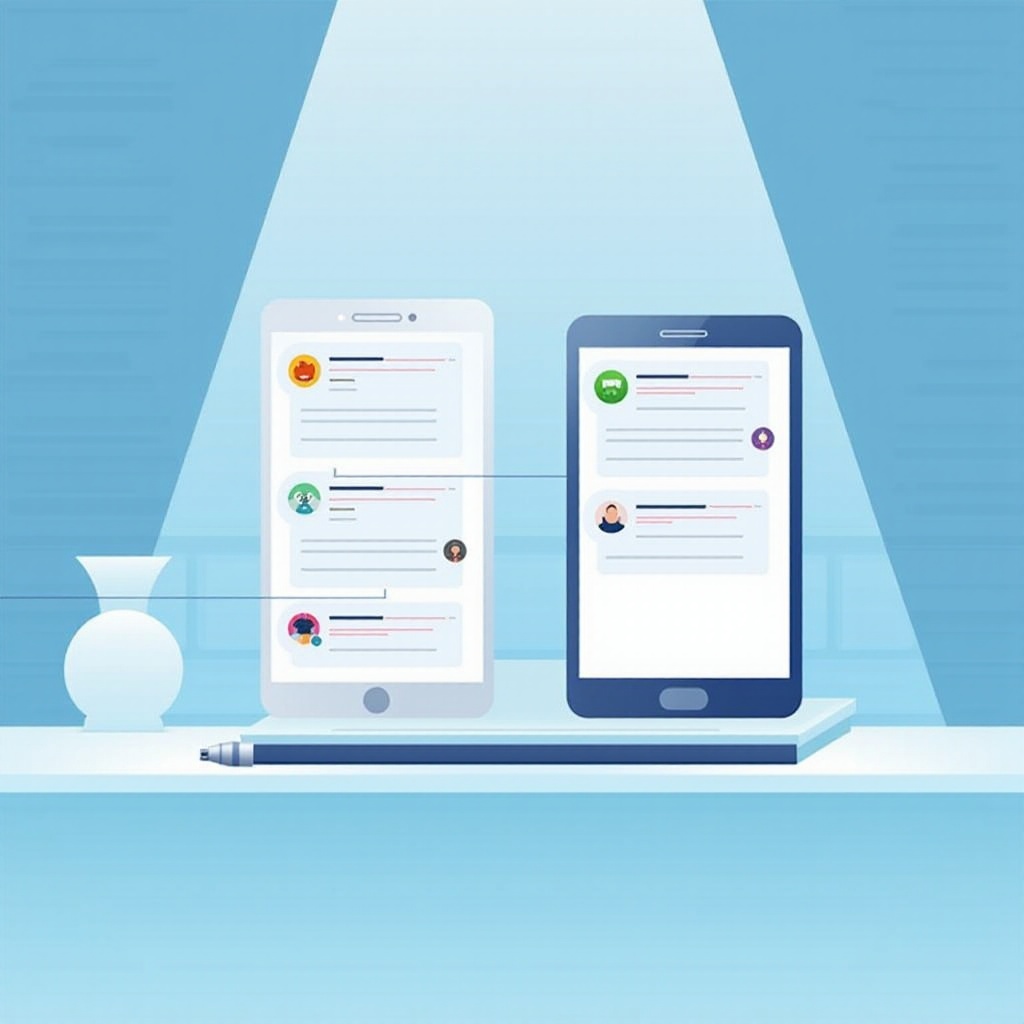
Both iOS and Android operate different messaging systems. iPhone uses iMessage and employs MMS to communicate with non-Apple devices, while Android relies on SMS and MMS. These protocol differences can lead to compatibility issues, especially when handling images.
-
Differences Between iOS and Android Messaging Protocols: iMessage enables rich text and media exchange using Apple’s servers. Conversely, Android MMS functions over carrier networks, at times causing delivery challenges.
-
How iMessage and MMS Work: iMessage transmits data via Apple servers, whereas MMS utilizes carrier networks, which can sometimes delay or disrupt transmissions.
Understanding these technical differences lays a solid foundation for diagnosing problems and finding effective solutions. By clarifying how each system handles messages, we can better address the issues obstructing image transfers.
Common Causes of Image Transfer Failures
To fix this problem, identifying the possible causes is crucial:
-
Network Connectivity Problems: Unstable network connections frequently interrupt image transfers. Examine both Wi-Fi and cellular settings to ensure stability and connectivity.
-
Software Bugs or Outdated OS: An outdated iOS version may miss critical updates necessary for smooth media transfers. Regular updates can solve bugs impacting functionality.
-
Incorrect Messaging Settings: MMS might be inadvertently disabled. Verify all messaging configurations are accurate for optimal performance.
Highlighting these common causes helps streamline troubleshooting efforts, guiding you toward suitable solutions.
Step-by-Step Troubleshooting Guide
To resolve this issue, follow these practical steps:
-
Verify Network Connection and Settings: Confirm your iPhone is connected to a stable network. Switch between Wi-Fi and cellular data to identify any network-related issues.
-
Update iOS to the Latest Version: Keeping your OS updated ensures access to the latest fixes. Head to Settings > General > Software Update to check for updates.
-
Restart Both iPhone and Android Devices: A restart refreshes network settings and can restore normal functionality.
Following these steps covers the majority of basic issues affecting image transfers between iOS and Android devices, preparing the ground for more complex fixes if needed.

Advanced Solutions for Persistent Issues
If foundational troubleshooting doesn’t resolve the issue, consider advanced solutions:
-
Reset Network Settings on iPhone: Access Settings > General > Reset > Reset Network Settings. This action wipes all network data, offering a reset.
-
Contact Carrier Support for Help: Sometimes, the problem stems from the carrier. Consult your service provider for advice; they might reveal network disruptions affecting MMS performance.
These advanced solutions provide deeper intervention, essential for persistent problems that basic steps fail to mend.
Considerations for Alternative Messaging Apps
If persistent issues occur, explore third-party messaging apps as a viable solution. Such apps frequently circumvent pitfalls associated with native systems:
-
Pros and Cons of Using Third-Party Apps: Applications like WhatsApp or Telegram offer secure media sharing, often sidestepping common network limitations.
-
Popular Alternatives like WhatsApp or Telegram: With strong encryption and smooth cross-platform functions, these apps serve as a reliable alternative for sharing images.
Switching to alternative apps offers a workaround, ensuring consistent and uninterrupted communication.
Conclusion
Encountering your iPhone’s inability to receive pictures from Android devices is common but manageable. With insight into messaging systems, thorough troubleshooting, and the possibility of third-party applications, you can effectively overcome this issue. If difficulties persist, professional assistance is recommended to fully resolve the situation.
Frequently Asked Questions
Why can’t I receive pictures from Android on my iPhone?
Typically, connectivity issues, outdated software, or incorrect settings are the culprits. Diagnosing these areas often resolves the issue.
Does resetting network settings affect other data on my iPhone?
Resetting network settings won’t delete personal data, though it removes saved Wi-Fi passwords and custom network settings.
Are third-party messaging apps secure for sharing images?
Yes, applications like WhatsApp and Telegram utilize end-to-end encryption, ensuring secure image transfers between devices.